

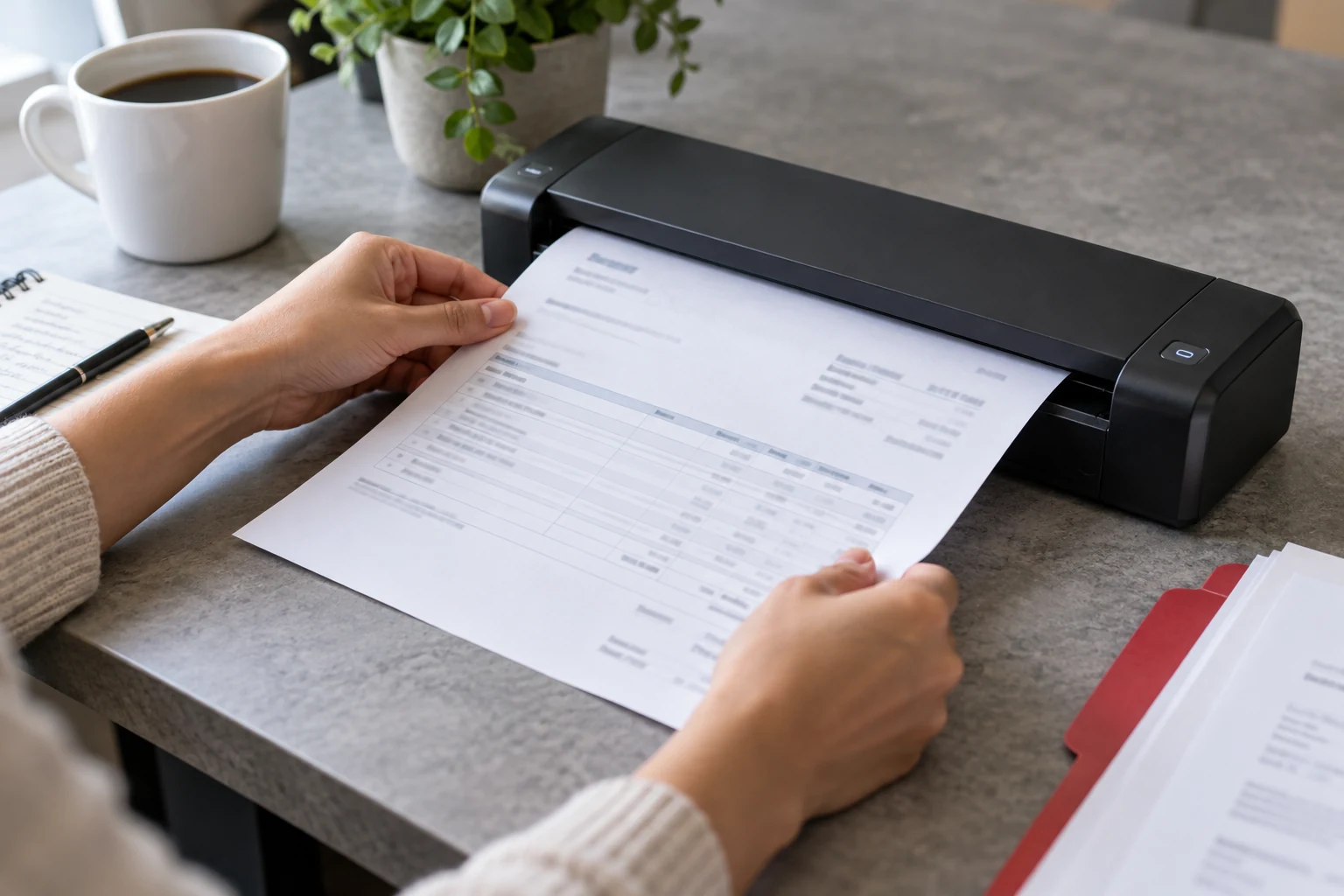
Can AI reduce manual invoice data entry?
AI and OCR can help extract invoice fields and line items, subject to the chosen model’s language and document support. Test your Arabic and mixed-language samples, validate required fields and totals, detect duplicates and route uncertain results to staff. Keep accounting approval separate from extraction rather than automatically posting every readable invoice.
The key idea
A readable field is not yet an approved transaction. Preserve the document, validate the record and give reviewers a clear exception queue.
Collect the difficult documents as well as clean samples
Prepare a representative sample with permission and remove unnecessary personal details. Include digital PDFs, phone photos, scans, Arabic-English invoices, long item tables and common supplier layouts. Keep a separate test set that was not used for configuration. A demonstration on three tidy invoices tells little about the documents your staff receive every week.
Microsoft’s OCR language documentation lists Arabic printed-text support, but language support for OCR does not automatically establish support for every prebuilt invoice field model. Check the exact model, version and fields proposed. Ask the supplier to show extraction from your samples, including the difficult ones, instead of assuming “supports Arabic” covers the entire workflow.
Agree the record your team needs
List required fields: supplier identity, invoice reference, issue date, currency, totals and any purchase-order link. Decide which line-item details matter for your process, such as quantity, unit and product code. Preserve the original value alongside normalised data when reviewers need it. An invoice reference with letters or leading zeros should not be silently converted into a number.
For KWD invoices, keep the precision used by the source document and accounting system. Distinguish the invoice date from the delivery date, and gross amount from balance due. Write down how discounts, freight and rounding are handled. Do not add assumed tax values or infer missing commercial terms simply because another supplier’s format included them.
In practice · illustrative example
Treat the extracted invoice as a draft to inspect
Take a sample Arabic invoice where a reference resembles a date and a line-item amount is faint. An extraction tool may produce readable text while assigning a value to the wrong field. Ask the reviewer to compare the proposed record with the original image. Field placement and business meaning matter as much as recognising characters.
Agree which fields must be checked before the record enters the next process. Include an unreadable invoice, a repeated upload and a document with conflicting totals in the test set. Keep the uncertainty visible to the reviewer instead of quietly filling blanks. The accounting team should define its own approval and posting rules.
From invoice image to reviewed record
-
Read the document
The system proposes fields from the supplied invoice image.
-
Check meaning
Rules and review distinguish references, dates, amounts and totals.
-
Review uncertainty
The reviewer sees the original and unresolved fields together.
-
Approve the draft
Only the agreed reviewed result moves to the next business process.
Validate the business meaning, not just text confidence
Set checks for missing references, unknown suppliers, mismatched purchase orders and totals that fail your agreed calculation. A model confidence score is an estimate to interpret, not a promise that a field is correct; Microsoft advises evaluation against your actual data. A confidently misread decimal or duplicate invoice still needs to be caught by the workflow.
An illustrative wholesaler receives an Arabic invoice where a stamp overlaps the total. The safe path is to show the image beside the extracted amount and request review. Staff should be able to correct it, explain the reason and retain a record of the change. Decide which exceptions block submission and which can proceed after a named approval.
Prevent duplicate posting and accidental live actions
Receiving the same document by email and upload should not create two approved invoices. Compare business references such as supplier, invoice number and date, and flag likely duplicates for review. File-level fingerprints can help identify identical uploads but will not catch a rescanned copy with different pixels. Agree how credit notes and amended invoices differ from duplicates.
During the pilot, write into a staging queue rather than posting directly to accounting. Use controlled access for documents and restrict who can approve export. Treat text inside an invoice as document content, not instructions to the system. If a connected AI component can call tools, limit those tools to the extraction task and validate their arguments in application code.
Measure field errors, reviewer effort and exceptions
Have the accounting owner create expected records for the held-out test set. Measure accuracy for important fields separately, especially invoice references, currency and total. Count missed invoices, duplicate flags and time spent reviewing. A high overall text-recognition score can hide mistakes in the few fields that matter most to payment or reconciliation.
Run a limited supplier pilot with a clear manual fallback. Ask reviewers whether the side-by-side view helps them resolve problems faster than retyping. Include new supplier formats, failed imports and correction history in maintenance. GateGold can discuss extraction connected to your business system, but success should be judged on approved usable records and total staff effort, not the number of pages processed.
A worksheet for your team
A field-by-field invoice test
Use approved sample documents that represent the formats your team receives.
| Decision | Evidence to request | What to do next |
|---|---|---|
| Ambiguous reference | A reference that could be mistaken for another field. | Check the field mapping against the original. |
| Uncertain amount | A faint value or conflicting total. | Require review rather than an invented completion. |
| Repeated upload | The same document submitted again. | Define duplicate review before downstream posting. |
Measure errors by field and by the effort needed to correct them. A high-looking overall accuracy figure can hide the fields that matter most to staff.
Before trusting an invoice extraction workflow
- Representative Arabic samples and an independent test set are available.
- Exact model language support and required fields are verified.
- Amounts, references, dates and purchase-order matches are validated.
- Duplicates, corrections and approval roles have explicit rules.
- Pilot results include field errors and reviewer effort, not just OCR speed.
Frequently asked questions
Can AI read all Arabic invoices automatically?
No universal guarantee is useful. Results depend on the document, image quality and model support. Test your supplier formats and keep a review path for unreadable or inconsistent records.
Does a high confidence score mean an invoice is correct?
No. Evaluate scores against known records and apply business checks. An amount can look confidently extracted while failing totals, currency or purchase-order validation.
Should extracted invoices go straight into accounting?
Start with a staging and approval flow. Only consider automation for explicitly agreed low-risk cases after measured testing, with duplicate controls, audit records and a manual fallback.
Sources and further reading
These primary sources support the specific company or platform information in this guide. Provider descriptions do not imply an endorsement by the source.
Sources checked:
Test your invoice workflow with GateGold
Share a permitted, anonymised sample of supplier documents and the fields your team needs. We can discuss a review-first pilot, integration boundaries and meaningful acceptance checks.