
School learning and progress tracking Design concept
Khotwa
A learning platform for a Kuwaiti centre that brings lessons, exercises and student progress into one clear subject pathway.
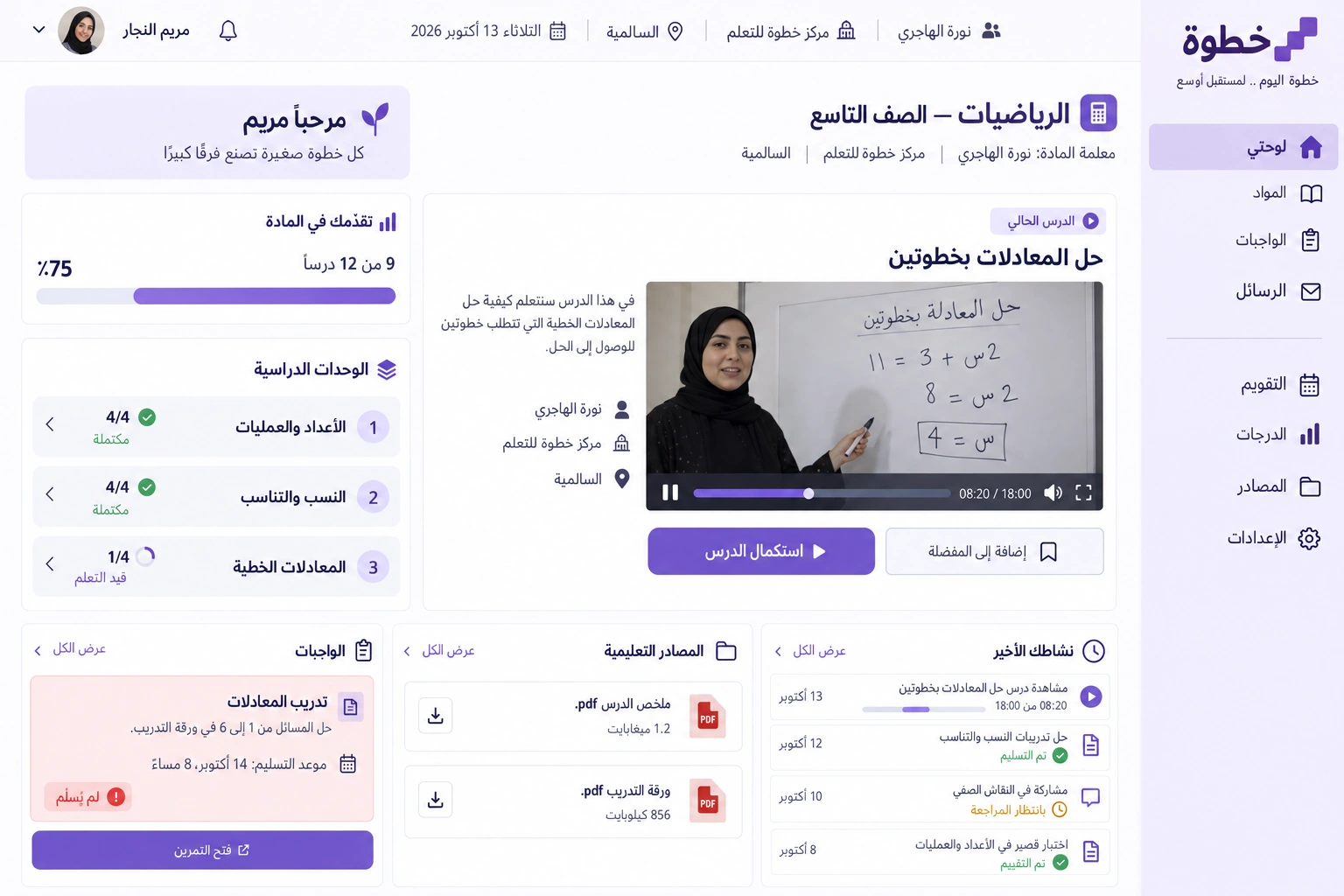
We designed Khotwa for a learning centre in Salmiya serving middle-school students. The work began with a student's day: see what is complete, open the next lesson and review an exercise result without moving between separate files, groups and messages. The study covers the learner workspace, a companion app and teacher-review details.
Client in the design study
Khotwa Learning Centre
Salmiya, Hawalli Governorate, Kuwait
Project brief
A design study for a fictional Kuwaiti learning centre needing lessons, assignments and teacher review in one experience.
Design scope
- Arabic identity and desktop learner workspace
- Companion app for lessons and assignments
- Clear progress and exercise-review states
01 / The project challenge
The project challenge
The starting workflow sent a video link, assignment sheet and deadline separately. When Mariam Al Najjar missed a session, finding the recording was only part of the task: she needed its place within the unit and the activity that followed. A general progress message also gave parents little useful detail. We therefore defined completion around finishing a lesson and submitting its exercise, while keeping teacher review separate.
02 / The solution we designed
The solution we designed
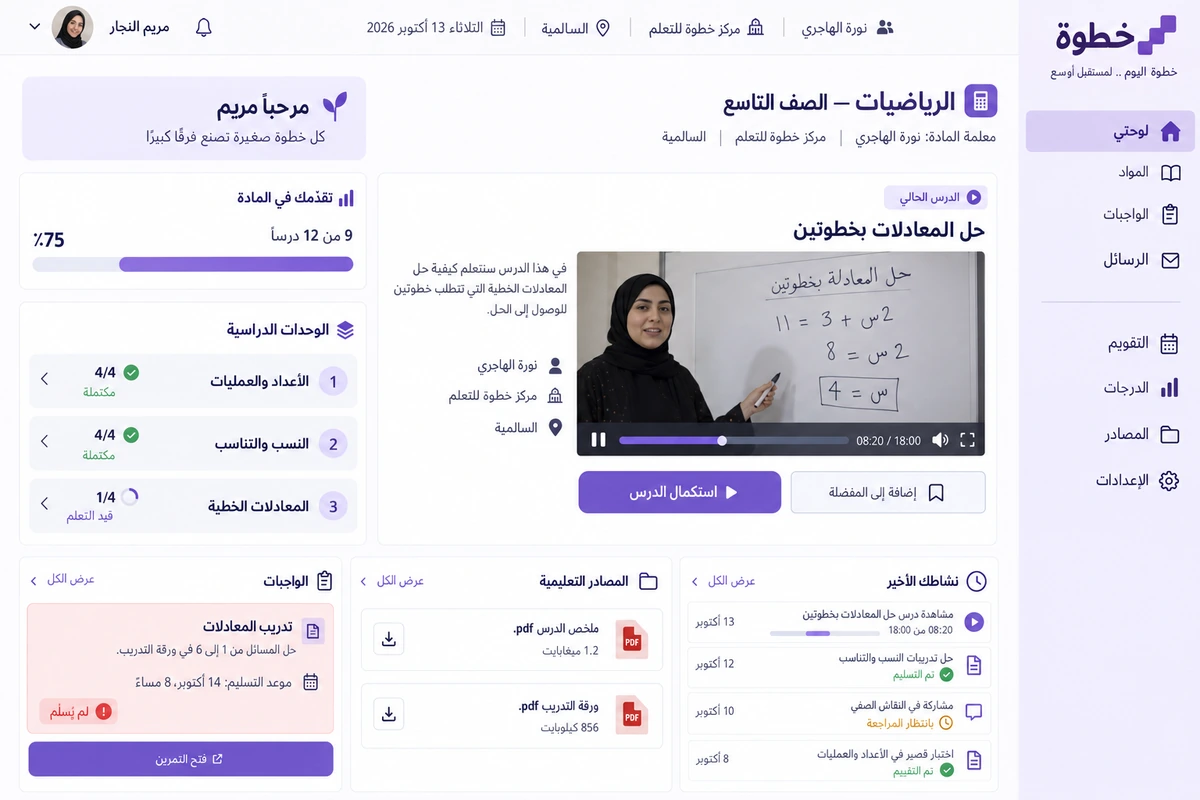
The mathematics subject has three units of four lessons. Two units are complete and the third has one completed lesson: nine of twelve, or seventy-five percent. Merely playing a video does not raise that percentage. The current lesson sits above the unit list, while the assignment deadline and teacher Noura Al Hajri remain beside the primary action. Each visit presents one clear next decision.
03 / The experience
The experience
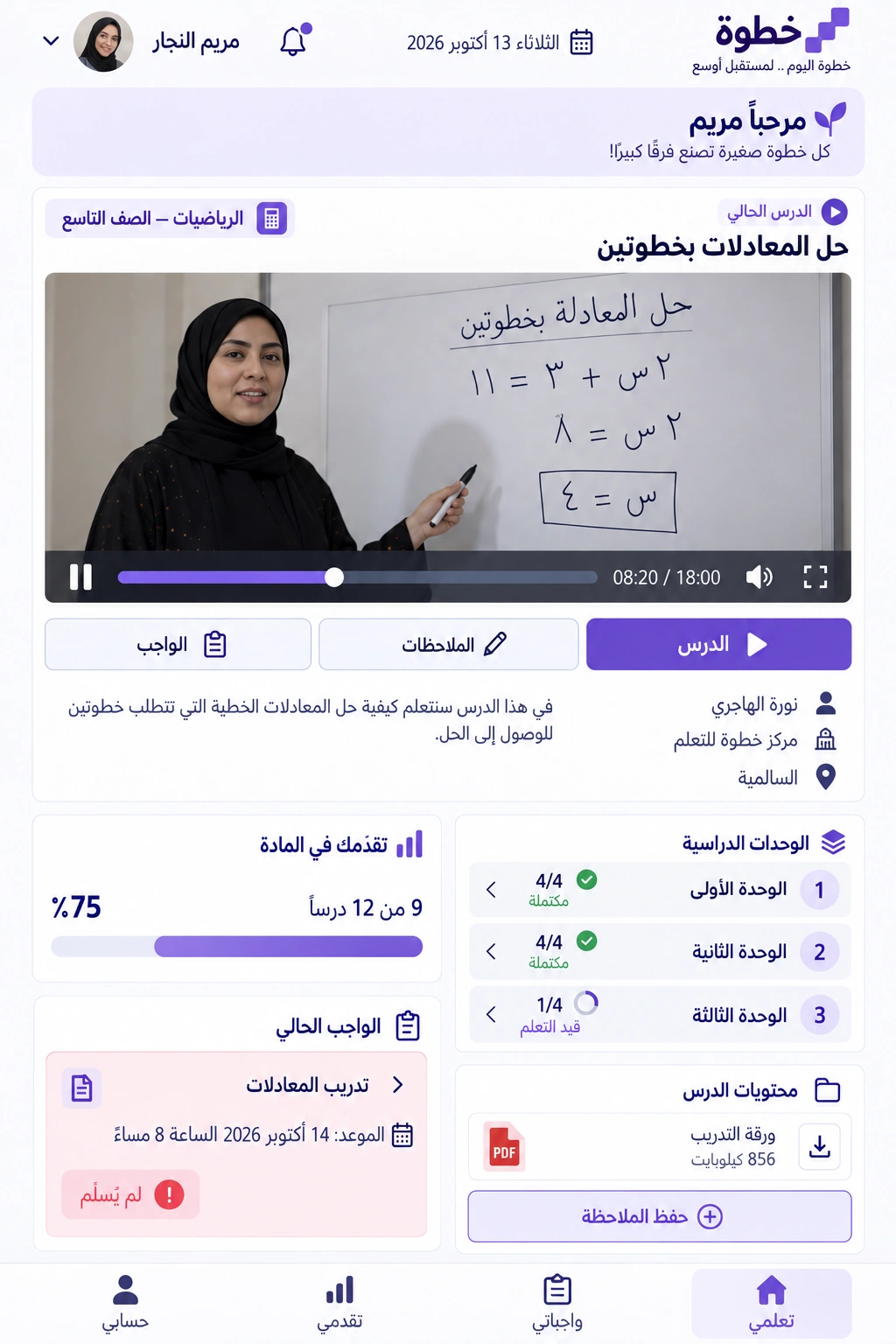
On Tuesday evening Mariam returns to a two-step equations lesson in unit three. She reads short objectives, resumes the recording from her saved position and opens its exercise. Submission produces an Awaiting review state rather than a false success result. Mobile keeps the same tasks in an order suited to a short session, with resources and error review available within the lesson for deeper revision.
04 / What it could do
What it could do
Understandable progress
Connect the percentage to completed lessons and show the remaining count beside it so progress between units is explicit.
Assignments in context
Keep the exercise, deadline and review state with its lesson, distinguishing submission from approval of the answers.
Teacher review
Save feedback with the exercise instead of burying it in a message thread that students struggle to find.
Mobile continuation
Preserve playback position and the next lesson while prioritising essential actions over long unit lists.
05 / A typical journey
A typical journey
Find the starting point
Mariam checks the nine completed lessons and opens the next lesson in unit three.
Continue the explanation
She resumes the recording and reviews objectives and attachments within the subject page.
Submit the exercise
She sends her work and checks its submission state and the teacher's review deadline.
Return to feedback
At her next visit she reads the correction and selects revision linked to the mistake.
06 / Inside the interface
Inside the interface
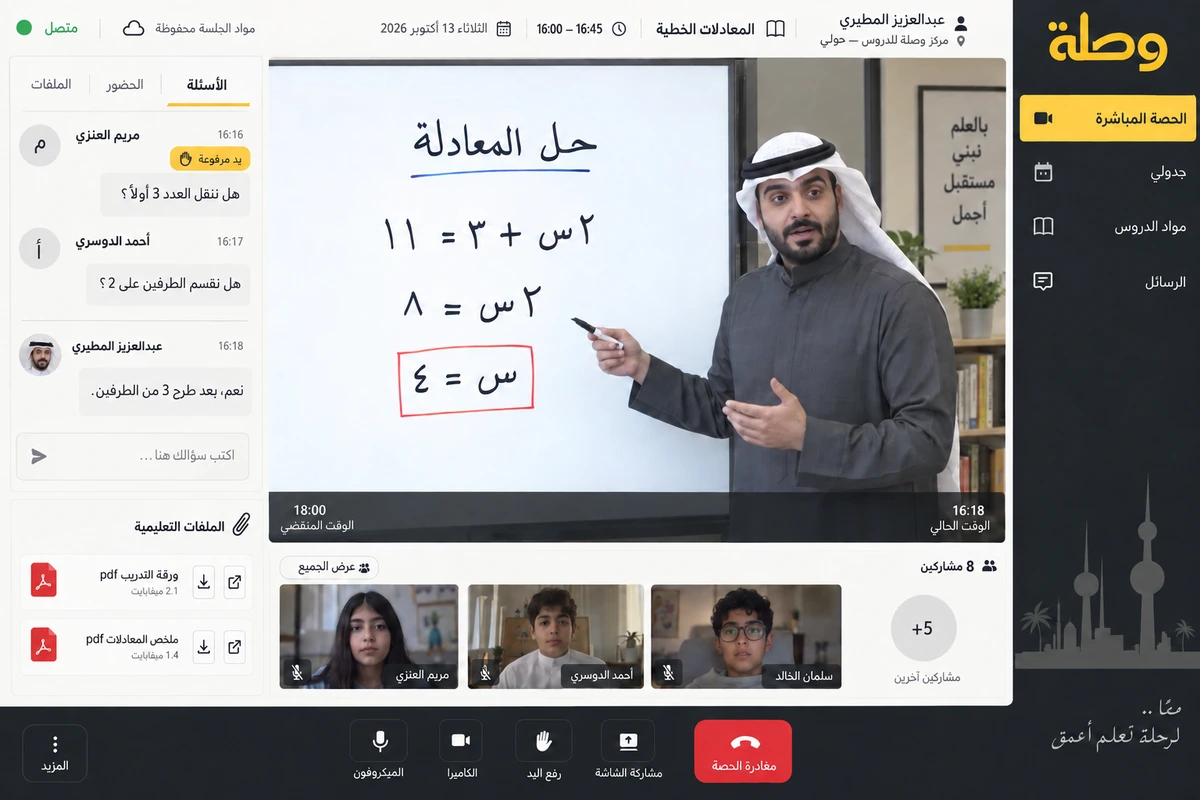
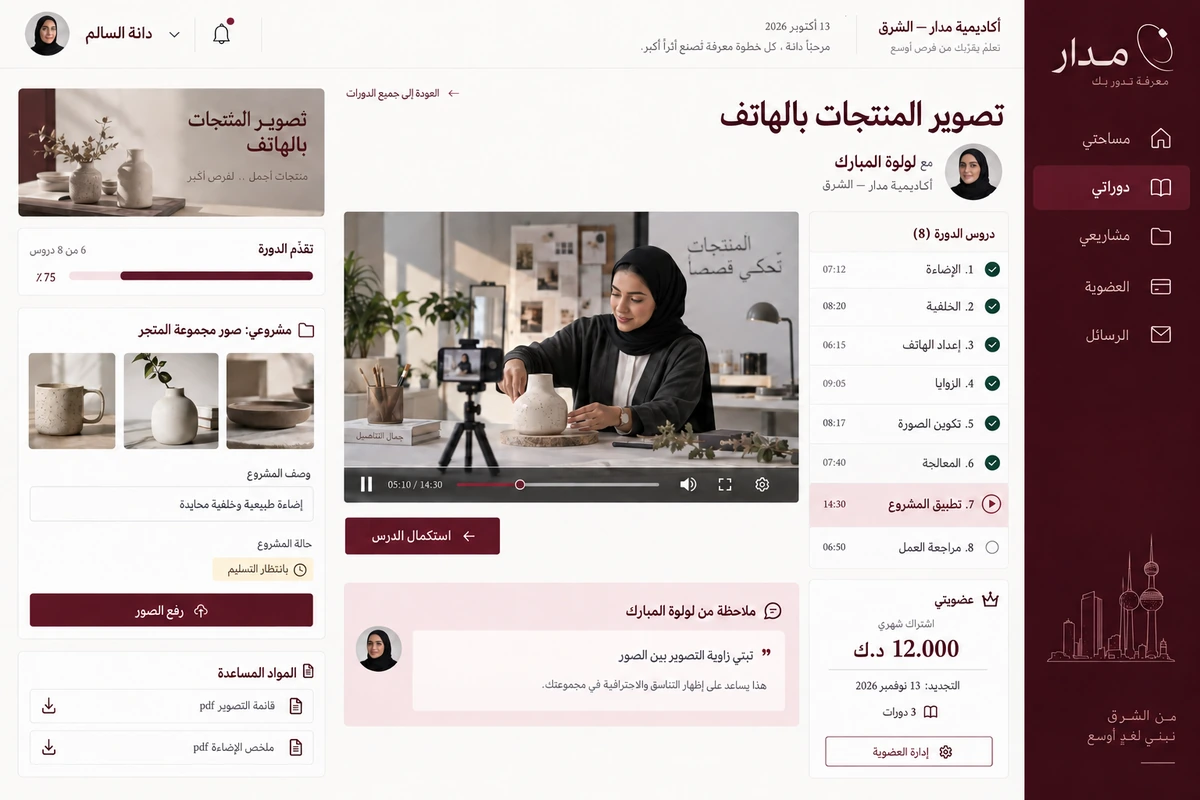
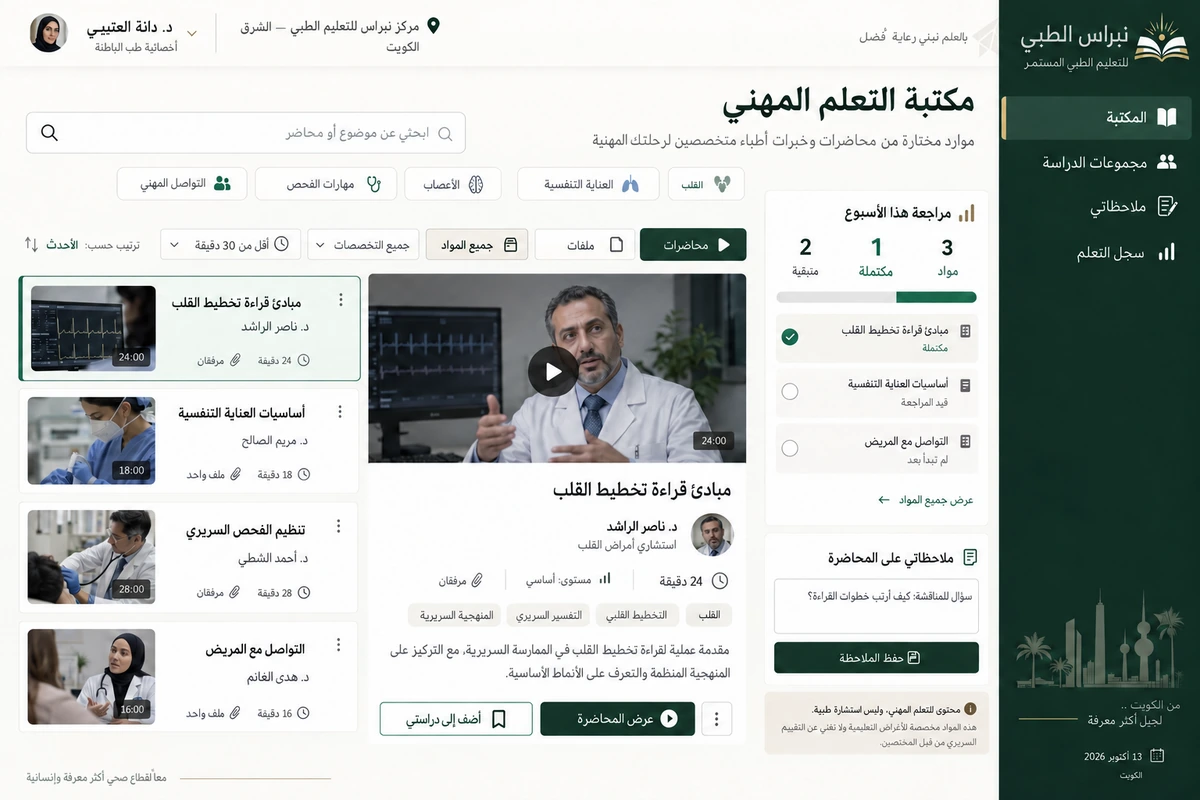
Explore the Arabic web interfaces and companion app. The screens share a consistent identity and Kuwaiti sample workflows.
Explore the screens.
Open any screen to explore the complete project gallery.
07 / Design direction
Design direction
Khotwa uses calm violet, a light paper background and an Arabic mark suggesting two ascending steps. The interface is Arabic and right-to-left, with clear typography and large readable figures. Unit cards and assignments have distinct shapes; instructional imagery stays restrained. Desktop and mobile depict the same student with consistent sample records.
Discuss a similar idea